Plan your formations. One formation at a time.
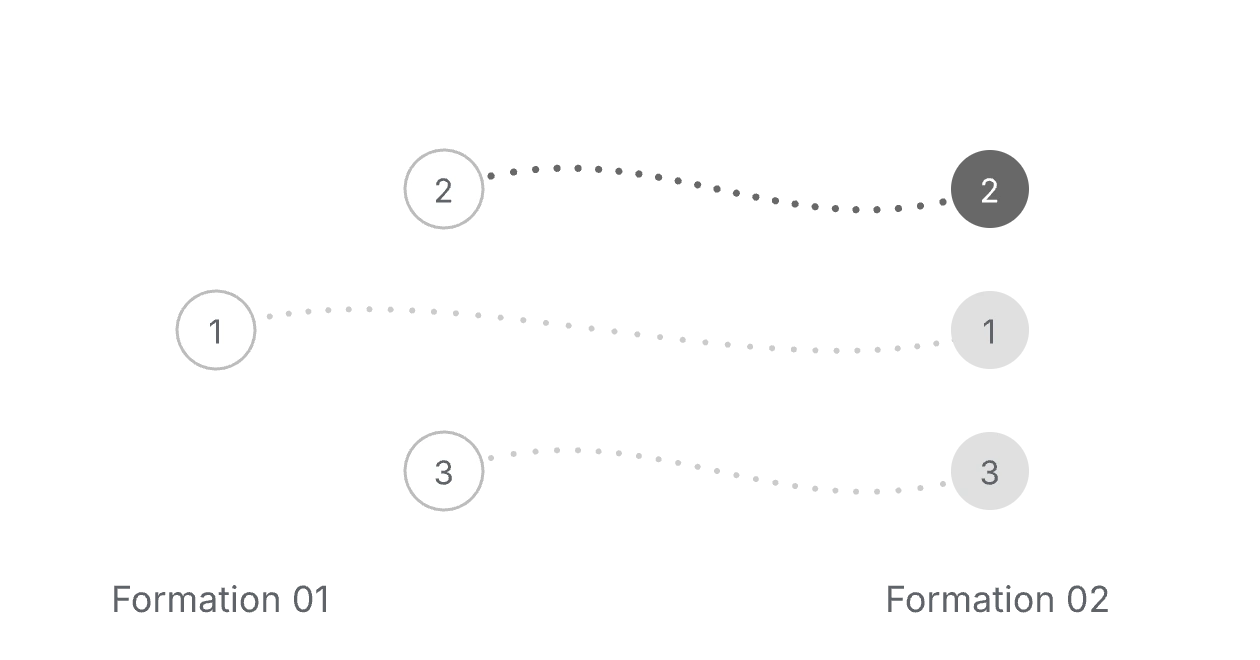
Plan dance formations, map movement paths, and time each transition to your music.
Open Choreo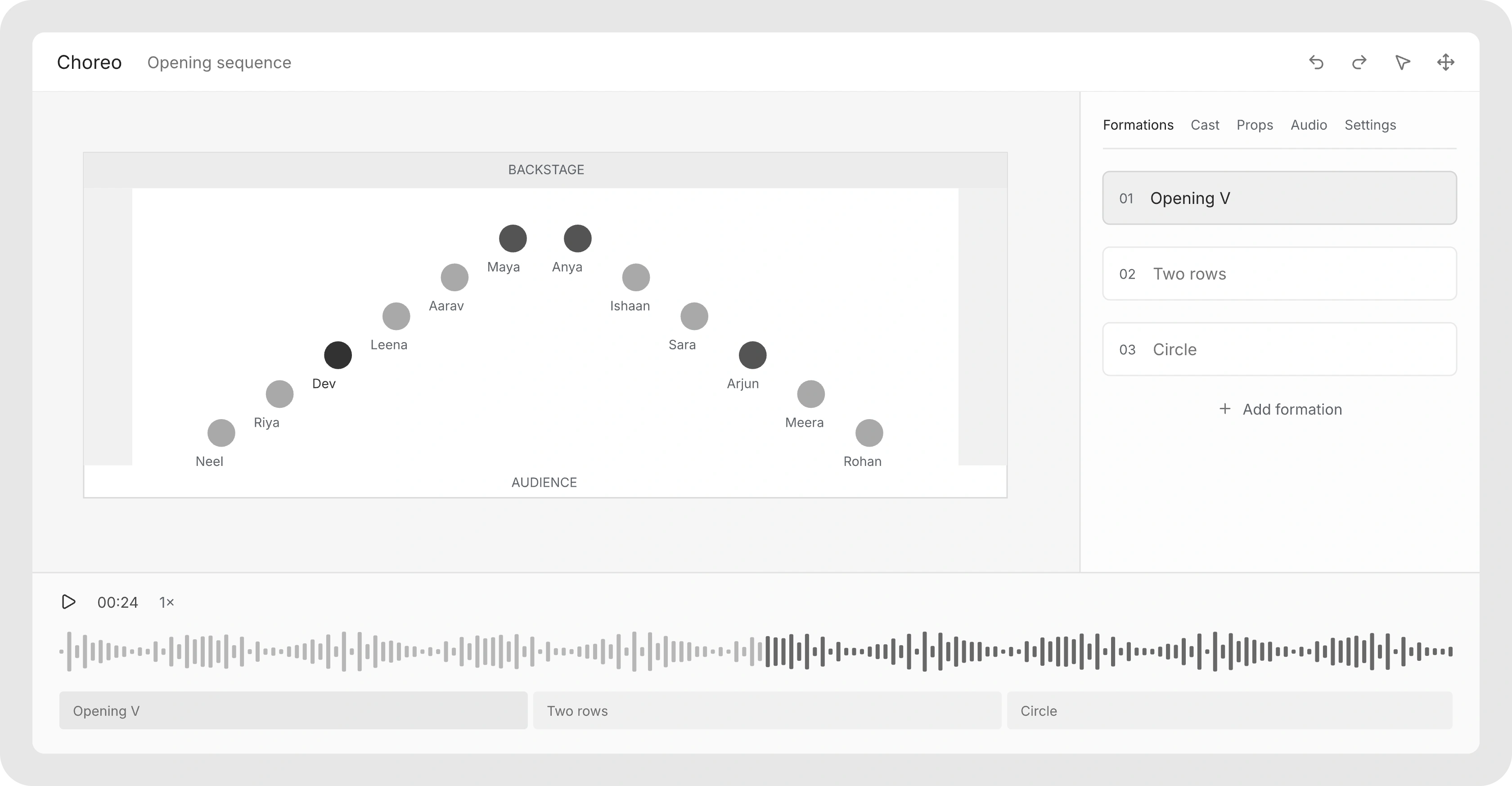
Your stage.
Every way through it.
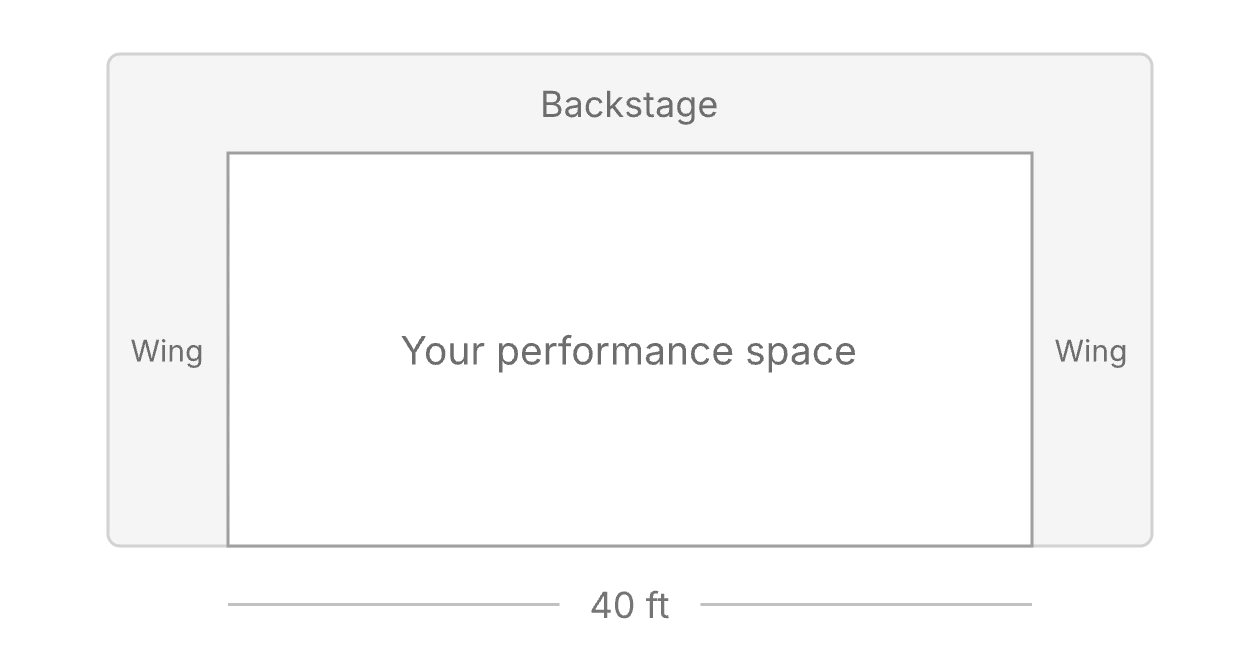
Set floor dimensions, wings, and backstage. Then work through the paths that connect your saved formations.
A whole show.
One set at a time.
Keep the performance together while each set keeps its own cast, audio, formations, and stage configuration.
| Set | Cast | Audio |
|---|---|---|
| Opening | 12 dancers | Opening mix |
| Duet | 2 dancers | Duet track |
| Finale | 14 dancers | Finale mix |
The music stays
with the movement.
Upload your track, set the tempo and first beat, and align formation changes to the waveform. Loop a smaller range when it needs another pass.
A few Studio details.
How are productions and sets organized?
A production groups a performance or class. Each set contains its own cast, formations, stage settings and audio. Stage Studio can display the production’s sets together, while timing and formations remain specific to each set.
Can I add wings, backstage and props?
Yes. Configure stage dimensions, left and right wings, wing sections and backstage for a set. Performers and props can occupy those areas so entrances and exits have actual starting positions.
What devices should we use?
Plan formations on a desktop or laptop. Dancers can open My Spot in a browser. Phone and tablet refinement is still in progress; test your team’s devices before relying on them for a rehearsal.
Are exports and staff invitations available?
Not yet. Formation exports, set backup import/download and additional choreographer access are marked Coming soon. Dancer invitations and the browser rehearsal view are available in the current app.