Choreo every formation.
Build your stage. Place your dancers. Connect every dance formation to the next.
Your whole performance. One workspace.
The dance formation maker. Built for your stage.
Set the space, shape each formation, and work through every transition.
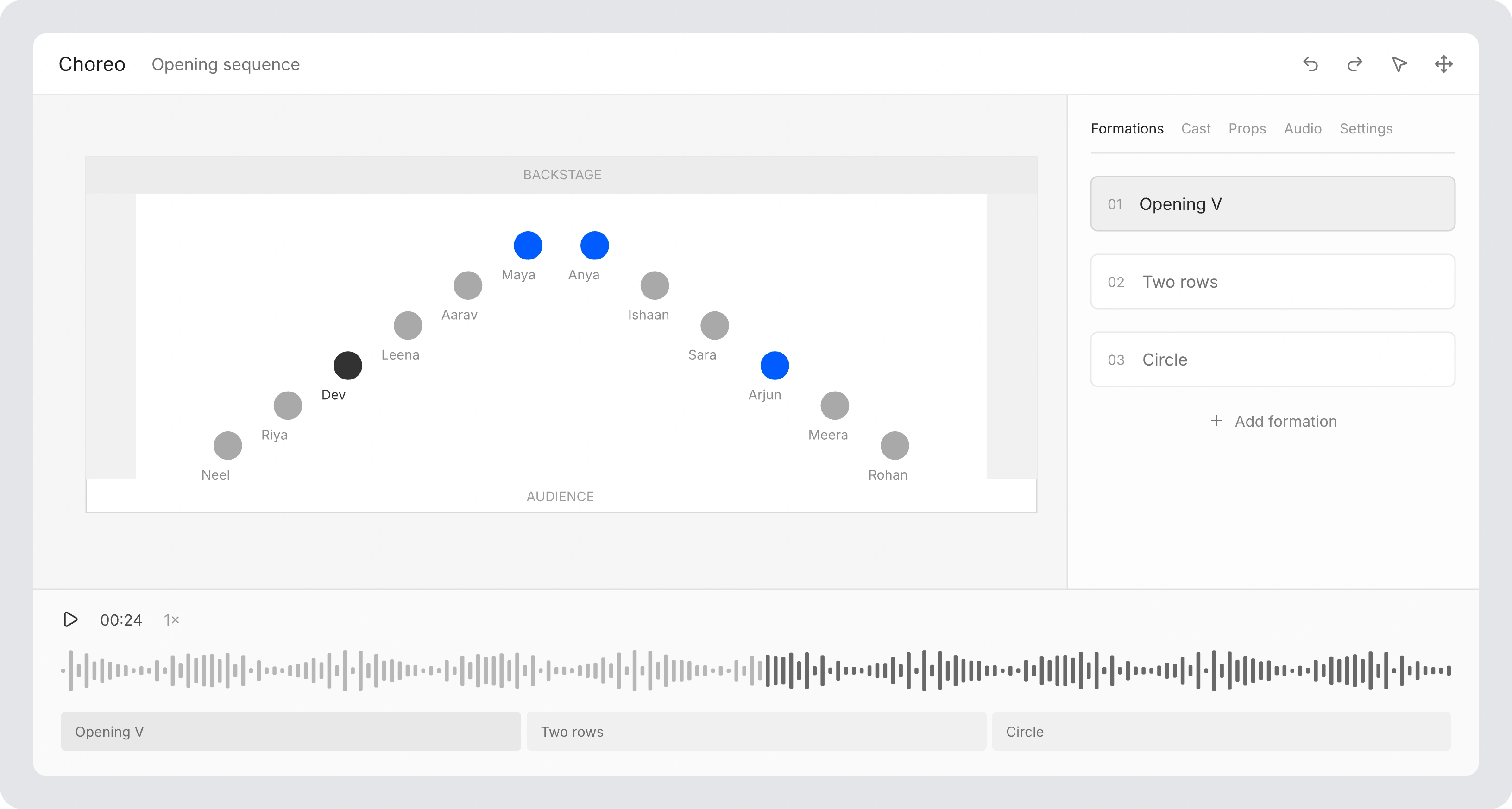
Build your stage
Set floor dimensions, wings, and backstage space.
Design the formations
Place your dancers and save each picture in the sequence.
Connect the movement
Plan performer paths between formations. Follow the timing in the same workspace.
Put your formations on the music.
Choose when each saved formation lands in your track. Follow the changes with music and counts as you work through the sequence.
Opening V
Counts 1–8Two rows
Counts 1–8Finale
Counts 1–8One plan. A personal perspective.
Give every dancer a clear view of their part.
Your path into the next formation.
One team. Different casts.
Build your roster. Choose who takes the floor in each set.
Keep rehearsal
in the picture.
Keep practice recordings with your production. Share the take and revisit the set.
Explore Video HubAnother view
of rehearsal.
Experimental performer tracking, identity review, and floor calibration.
Explore Choreo VisionChoreo by NDDL. Built for your team.
Explore the LeagueA few things before you start.
Who can use Choreo right now?
Existing NDDL teams can sign in with their team credentials. Not an NDDL team? Email directors@nddl.com to ask about bringing Choreo to your team.
Does syncing a roster change the NDDL portal?
No. Roster sync imports your team into Choreo; it does not change the NDDL portal.
Can dancers edit our choreography?
Dancers review their assigned formations and practice material. Choreographers manage the plan.
What devices should we use?
Build formations on desktop. Dancers can review their positions on mobile.